Social Media Affiliate Marketing: Best Platforms
Written by Edward Cranmer on 12 minute read
Compare the six main platforms, learn how to create and place affiliate links, and find brands worth promoting.

Social media affiliate marketing means earning commission when someone buys through a link you share on a social platform. You post about a product, your audience clicks, and you get paid a percentage of what they spend.
The mechanics match affiliate marketing in any other channel, with your profile doing the job a website usually does.
Where platforms differ is what each one lets you do with a link. Instagram keeps your links in your bio, Pinterest lets you attach one straight to a pin, YouTube puts them under the video.
This guide covers which platform suits your content, how to create a link and place it, and where to find brands to work with.
What is social media affiliate marketing?
Join a programme and you get a tracking link of your own. Share it in a post, a bio or a video description, and the retailer records any sale that came through your link.
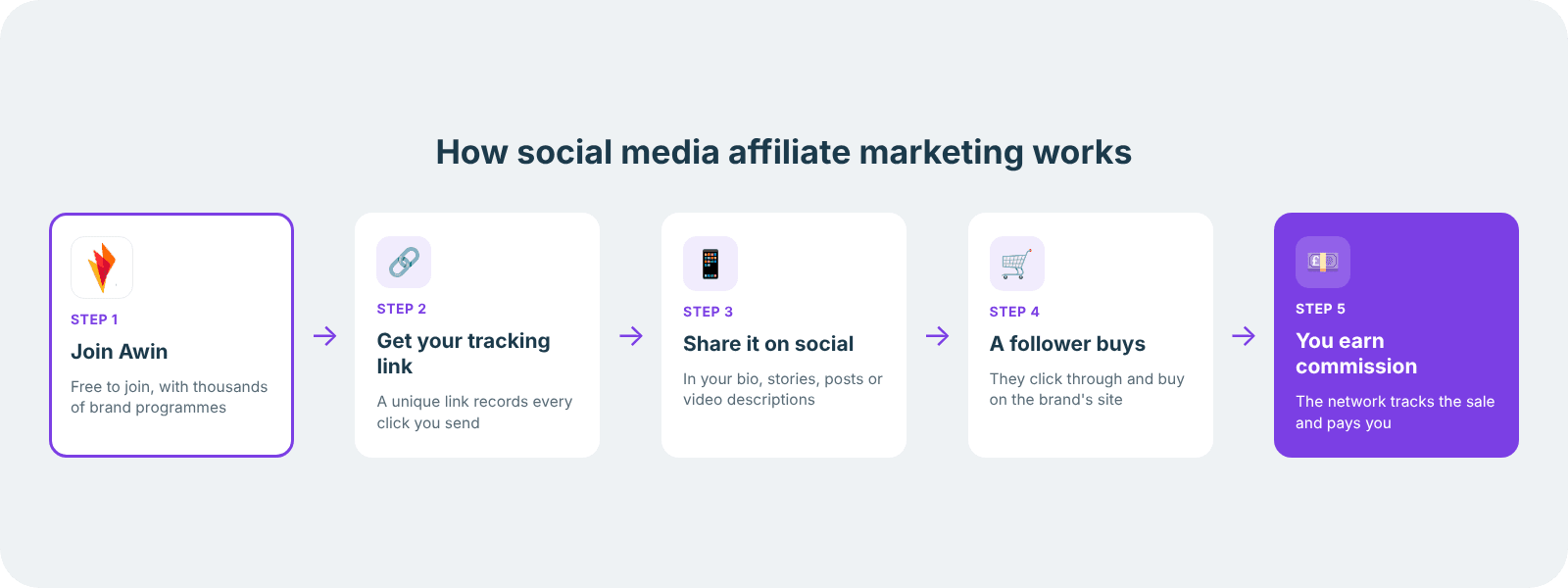
Payment comes as a “commission” which is a percentage of what the customer spends.
Rates are set by each brand, and most retailers hold commission until their returns window closes, so money lands weeks after the order.
Getting started takes an audience and an approved programme. Nothing else, no website and no company registration.
For more details, including cookie windows and how sales get attributed, read our guide to how affiliate marketing works.
Which social media platform is best for affiliate marketing
The best platform is the one where you already have an audience that trusts you.
Pinterest suits a home and interiors account, TikTok fits with demos and unboxings, YouTube matches anything that needs explaining or a visual before someone buys.
Where they differ most is what each one lets you do with a link.
Some allow a link on every post, others restrict you to a bio or a description. That single detail shapes how you plan content.
| Platform | Where your links live | Best for | Watch out for |
|---|---|---|---|
| Bio, Stories, product tags | Fashion, beauty, lifestyle | Captions hold no clickable link, so your bio carries the traffic | |
| TikTok | Bio, TikTok Shop, video description | Demos, unboxings, trends | Shop access depends on follower count and account standing |
| YouTube | Video description, pinned comment | Reviews and anything needing explanation | Filming and editing takes real time |
| Post text, page buttons, groups | Deals, family and home products | Group posting reads as spam when overdone | |
| Directly on the pin | Home, food, weddings, planning | Some link shorteners get blocked | |
| Post text, articles, profile | Software, courses, B2B tools | Constant selling costs you connections |
Working across every platform stretches you thin. Two done properly will earn more than six done occasionally.
Where to put your affiliate links on each platform
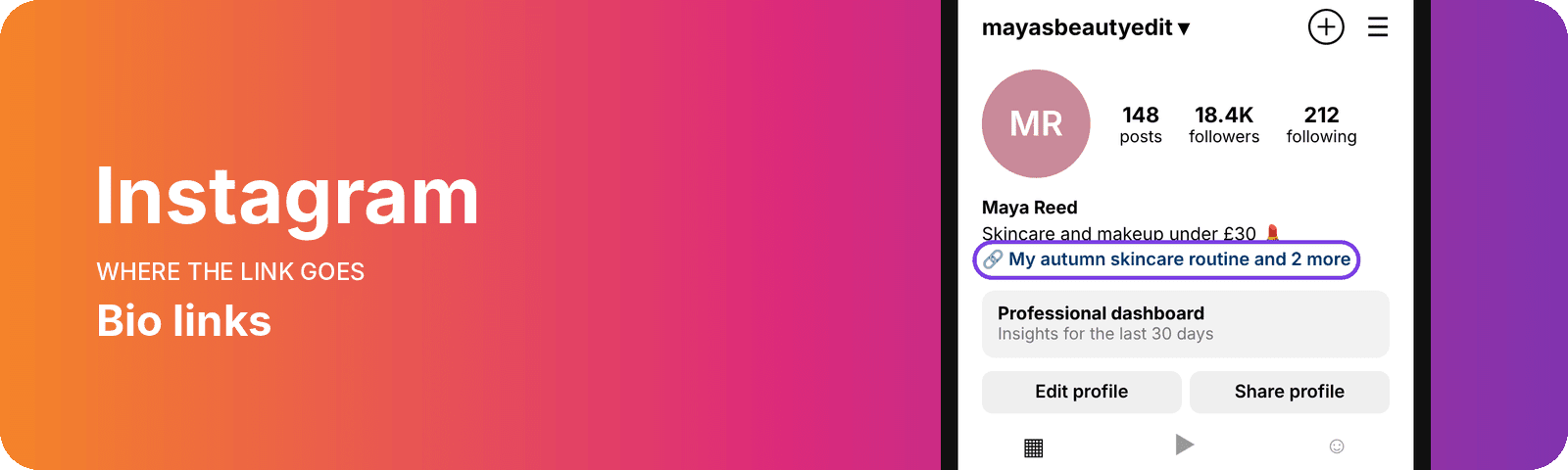
Shopping content performs here because the audience arrives expecting it. Your bio link handles most of what you share, with Stories link stickers picking up the rest. Fashion, beauty and homeware drive the heaviest numbers. More on placing affiliate links on Instagram, including product tags and disclosure.
TikTok
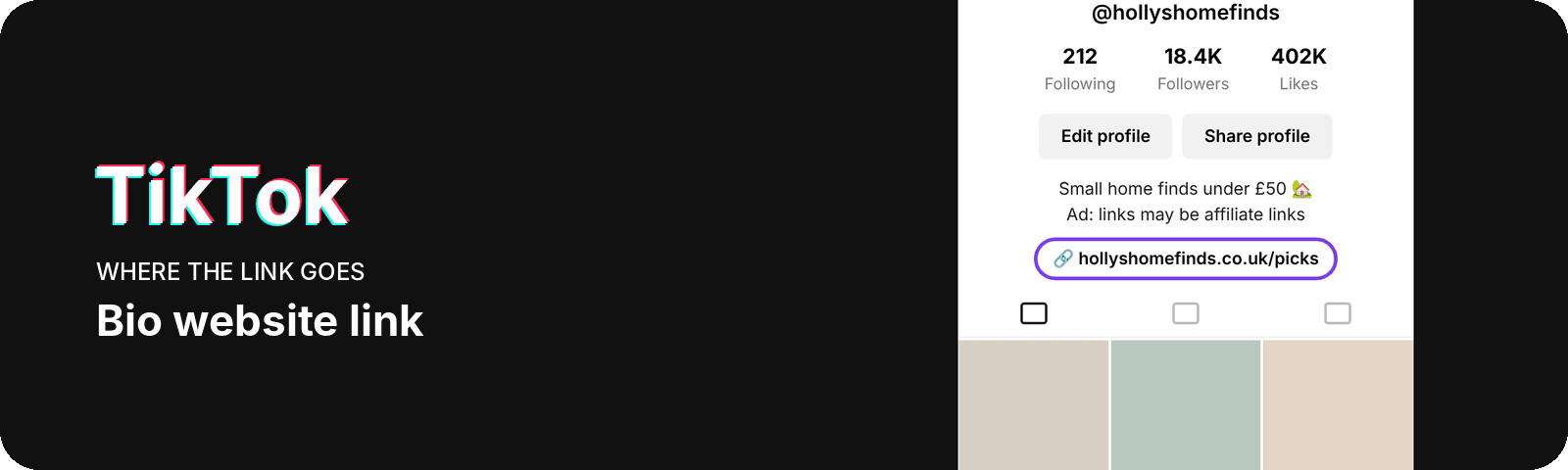
Two routes exist for links here. Your bio holds one that reaches anything sold online, and TikTok Shop keeps the purchase inside the app with commission paid directly. Shop access depends on your follower count and account standing, and those thresholds move, so check the current requirement before planning around it. See how TikTok Shop and affiliate links compare for the UK criteria and what each route returns.
YouTube
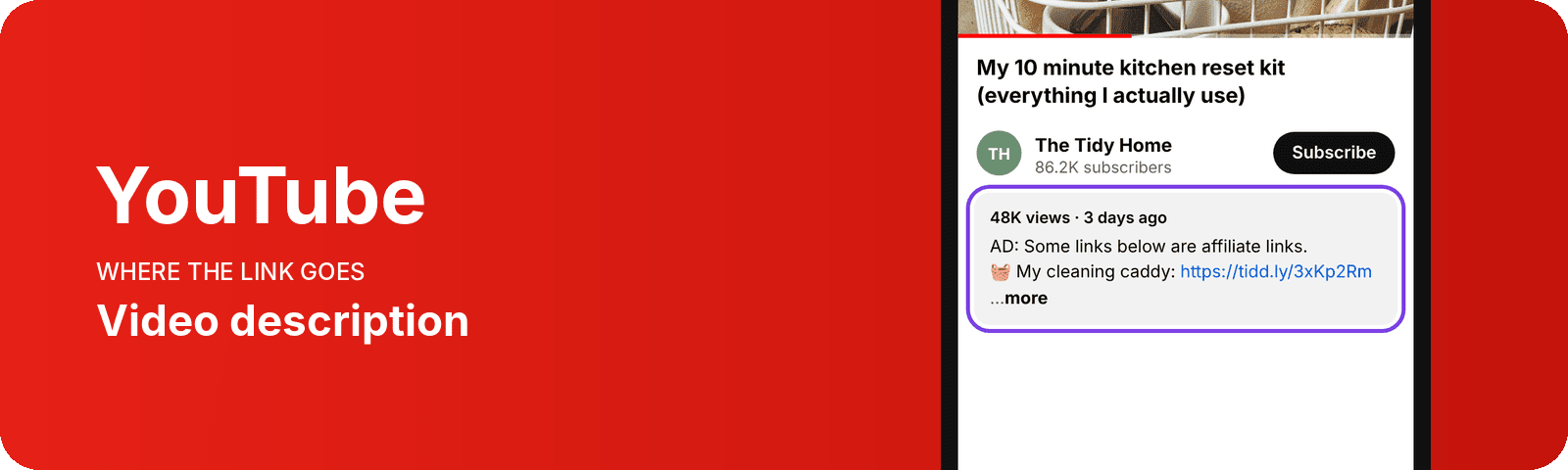
Search traffic is what separates YouTube from the rest of this list. Links sit under the video and in a pinned comment, with Shopping tags open to channels that qualify. Production takes longer than anywhere else here, which is the trade you are making. Read YouTube Shopping tags and description links for placement detail and how commission sits against ad revenue.
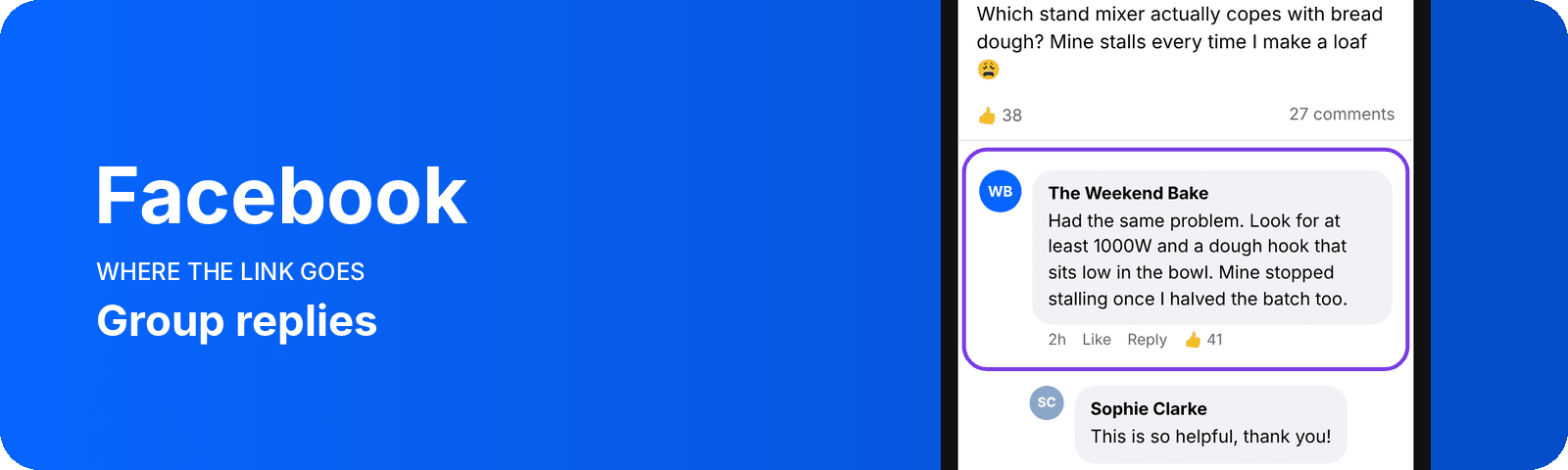
Reach here comes from groups rather than your own page. Pages give you buttons, analytics and scheduling that personal profiles lack, so most creators run both. Deals, home products and family purchases move well. Our guide to working with Facebook groups shows how to contribute without getting removed.
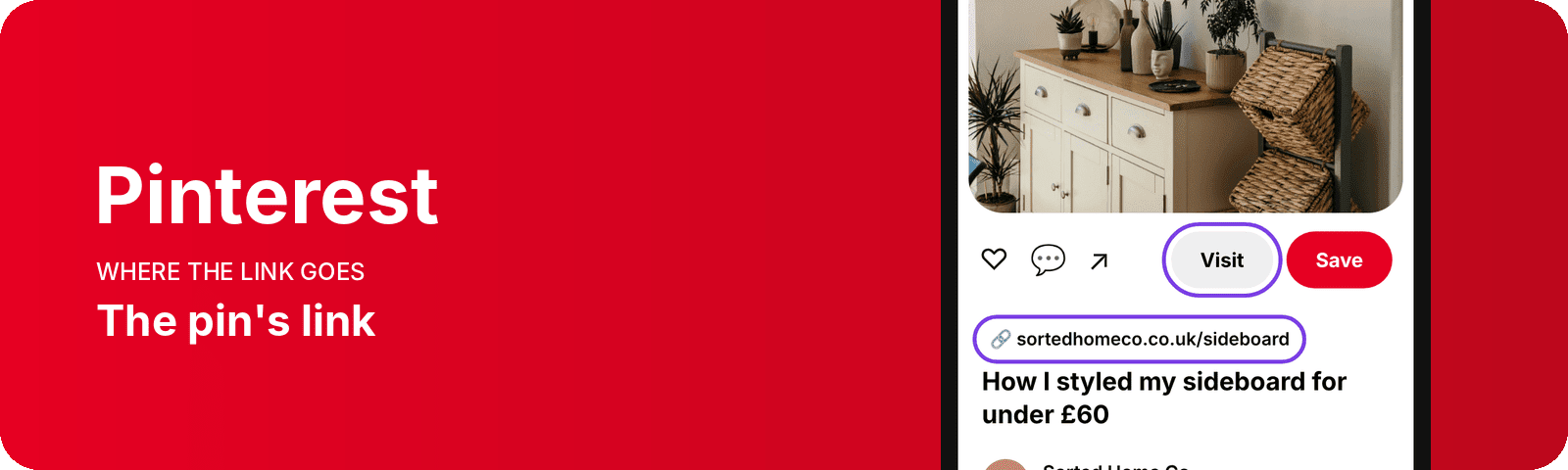
People plan on Pinterest, saving ideas for kitchens, weddings and holidays months ahead. That gives a pin a longer life than a post elsewhere. Linking straight from a pin goes through the rules that apply and what to do when clicks arrive without sales.
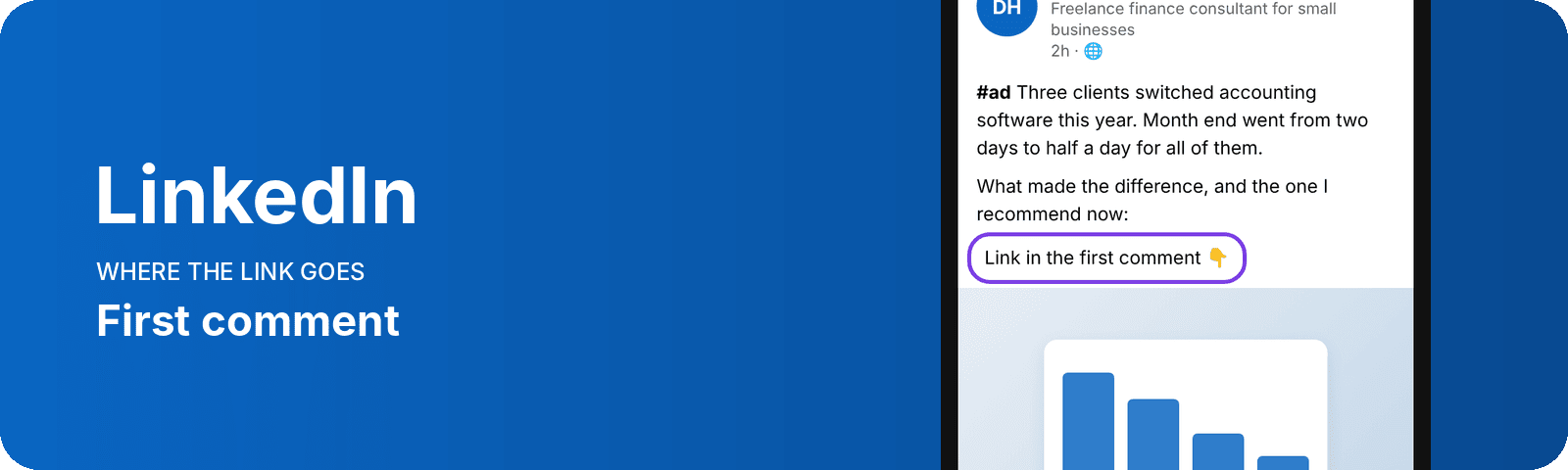
B2B products fit the room. Software, courses and professional tools land with an audience already thinking about the office, and subscriptions keep paying for as long as the customer stays.
Mix links into posts that stand up on their own, since a feed of pitches costs you the connections that make the platform useful. What sells on LinkedIn covers the categories that struggle alongside the ones worth your time.
X, Snapchat and Threads all allow affiliate links and all have smaller track records for driving sales. Test one if your audience already lives there, treating it as an extra rather than a foundation.
Brands also pay creators a set fee to post, separate from any commission. That side is covered in our creator and influencer partnerships hub.
How to get an affiliate link and share it
Four steps take you from nothing to a working link.
- Join a network or a brand's programme
Networks like Awin sit between you and thousands of retailers, so one account gives you access to a lot of brands. Applications ask where and what you post, then each brand approves you separately.
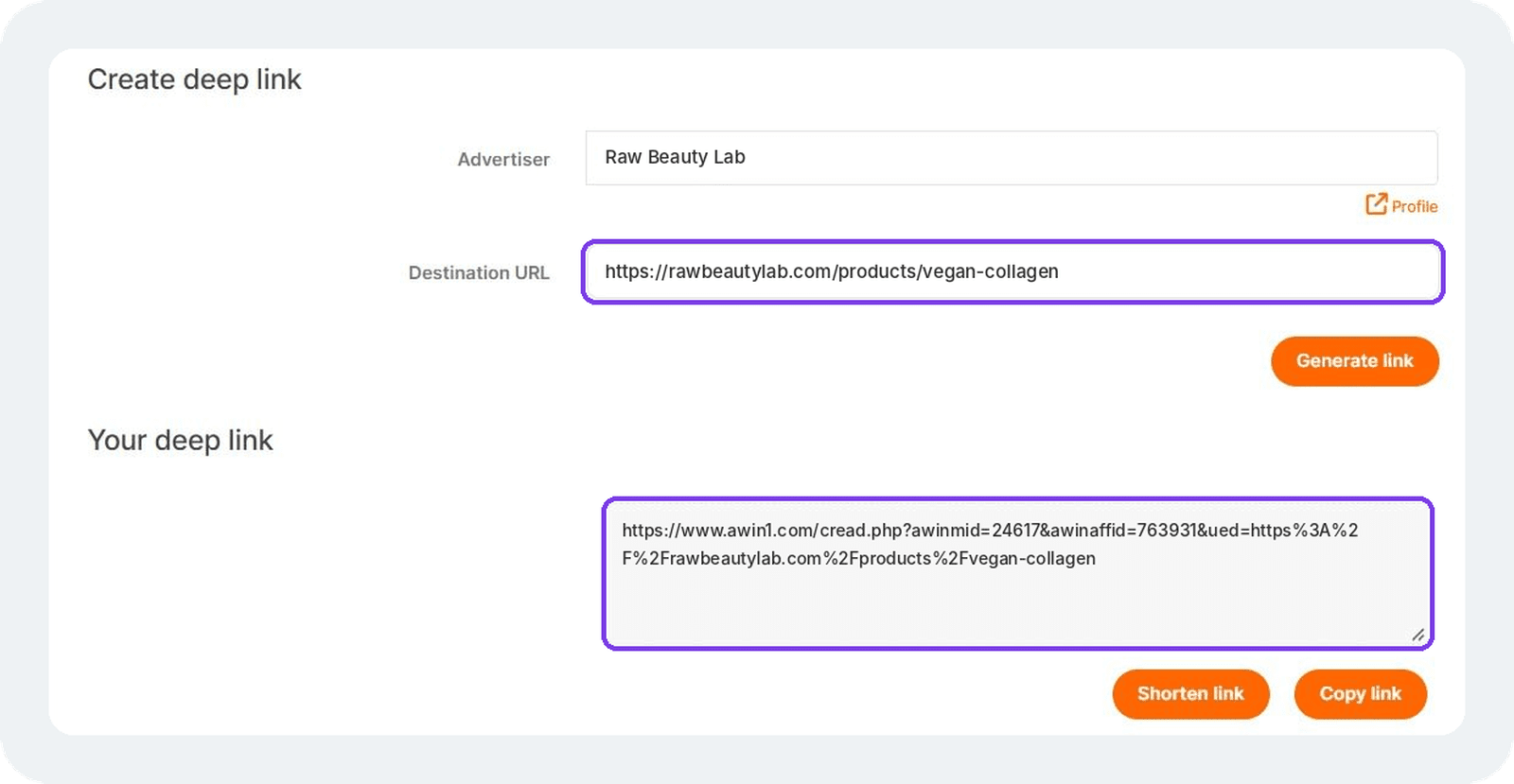
- Generate your link
Pick the page you want to send people to, a product, a category or the homepage, and the network turns it into a tracking link tied to your account.
- Put it where your audience will find it
Match the placement to the platform, using the table above. A link in the wrong spot earns nothing regardless of how good the content is.
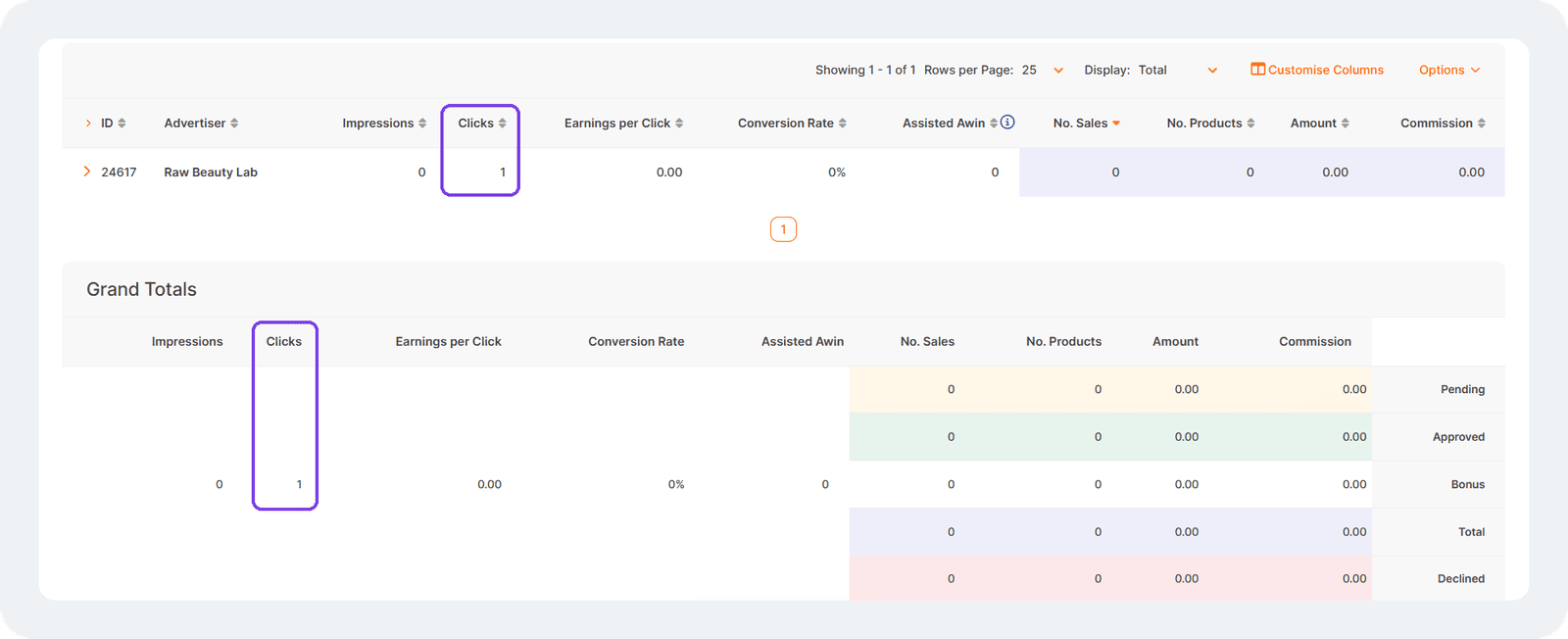
- Check it tracks
Click your own link, complete the journey to the retailer, then look for the click in your reporting. Doing this once saves you finding out weeks later that a whole campaign recorded nothing.
Tracking is what turns a click into a payment, and it works through cookies and referral data passed to the retailer. Our guide to how affiliate tracking works covers cookie windows, attribution and the reasons a sale sometimes goes unrecorded.
Signing up takes a few minutes and costs nothing. Create your free Awin publisher account to browse programmes and start generating links.
How to find brands to promote
Browsing what is available beats guessing. The Awin Advertiser Directory lists programmes by sector, so you can see which brands run affiliate programmes before you commit to a niche.
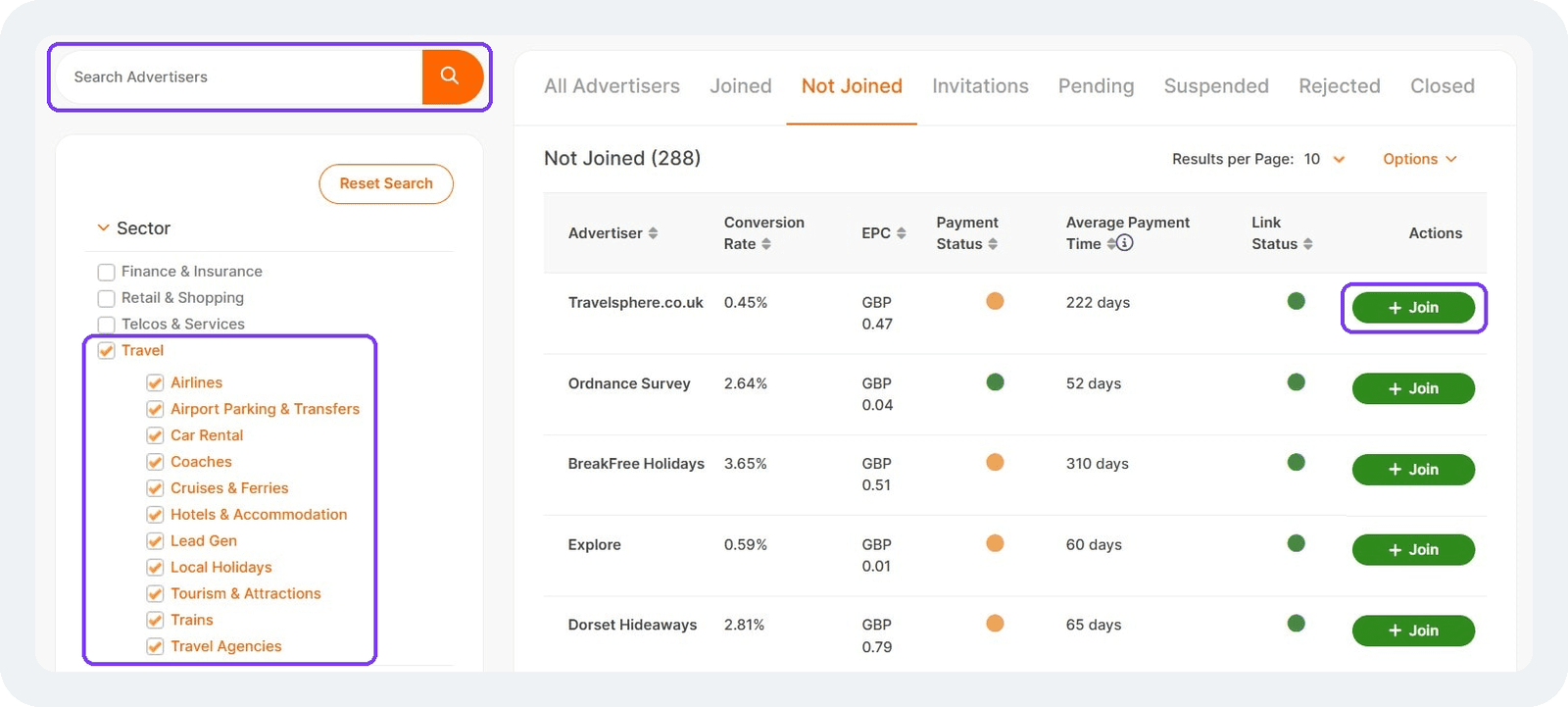
Three things decide whether a programme is worth your time.
Commission rate. Rates vary by sector, with electronics paying a small percentage on high value items and fashion or beauty paying more on smaller baskets. Work out what a realistic month looks like rather than chasing the highest number.
Cookie window. This sets how long after a click a sale still counts as yours. Seven days behaves differently from 30 when you are promoting something people research first.
Approval terms. Some programmes accept everyone, others review your account and content before saying yes. Read what each brand allows, since a few restrict paid traffic or specific platforms or site formats.
Promote things you would recommend without commission attached. Audiences notice when the recommendations stop matching the account, and the trust you lose costs more than any single programme pays.
Disclosure rules you need to follow
UK rules require you to make paid or commissioned content obvious before someone engages with it. The CAP Code treats affiliate marketing as advertising, since a creator earning commission on the interest they generate is acting as an advertiser.
What that means in practice:
- Label at the start, so the disclosure appears before a viewer taps or scrolls past
- Write "ad" or "#ad", since the ASA has ruled that words like "affiliate" and "gifted" leave the commercial nature unclear
- Say it out loud on video as well as writing it in the description
- Apply it to every post carrying a link, including Stories and pinned comments
Disclosure protects your earnings as much as your compliance. The ASA can name non-compliant creators publicly, and the CMA now holds enhanced fining powers under the DMCC Act. Brands drop partners who create that risk for them.
Full detail sits in the ASA's guidance on how affiliate content should be labelled.
Social media affiliate marketing FAQs
Do you need social media to do affiliate marketing?
No. Blogs, email newsletters, comparison sites and YouTube channels all work without a social presence. Social platforms suit people who already post regularly and have built an audience that responds to what they share.
Can you do affiliate marketing without a website?
Yes. Networks approve publishers who promote through social accounts alone, and your profile serves as the place people check before clicking. A website gives you space for reviews and search traffic, which is why many creators add one later.
How many followers do you need to start?
Networks set no minimum, so approval rests on what you post and whether it fits the brands you apply to. Individual platform features carry their own thresholds, TikTok Shop being the main one. A small engaged audience converts better than a large passive one.
Which platform pays the most?
Commission comes from the brand rather than the platform, so rates stay the same wherever you post. What changes is how many people click, which depends on how well the format suits what you are promoting.
What to focus on first
Pick one platform and one brand you already buy from. Post about it the way you normally would, add your link, and check the tracking works.
Three months of consistent posting tells you more than any guide can. You will see which products your audience responds to, which formats earn clicks, and whether the commission justifies the time.
Every sector has brands running programmes on Awin. Sign up and start earning commission.